Arriving vehicles
Select a vehicle on the map to open its details.
 PadoVia
Select a vehicle or stop on the map to see its route and next arrivals. Use PadoVia in your browser or download the app.








We won in the Mobility category with our project to make public transport easier to use.
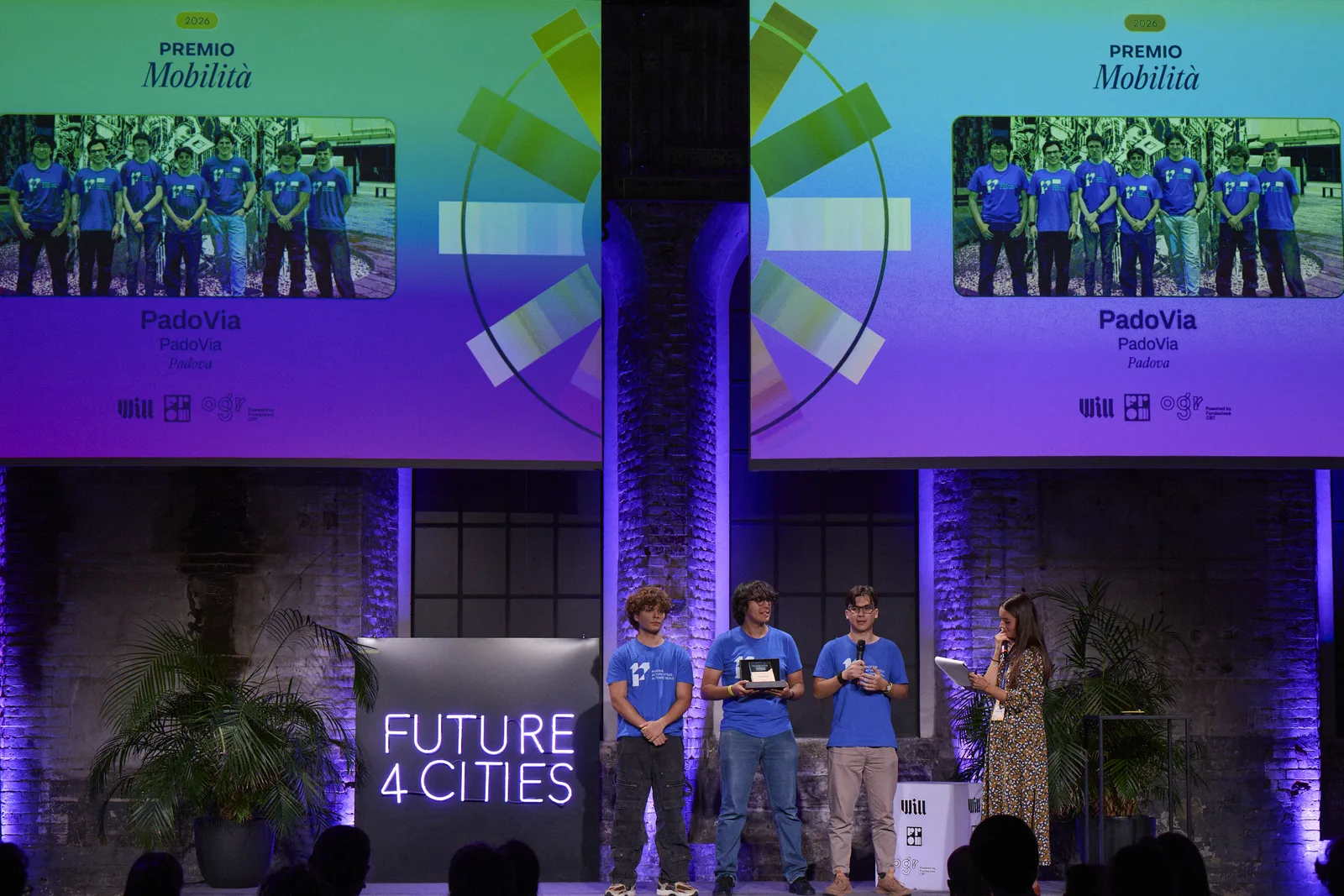
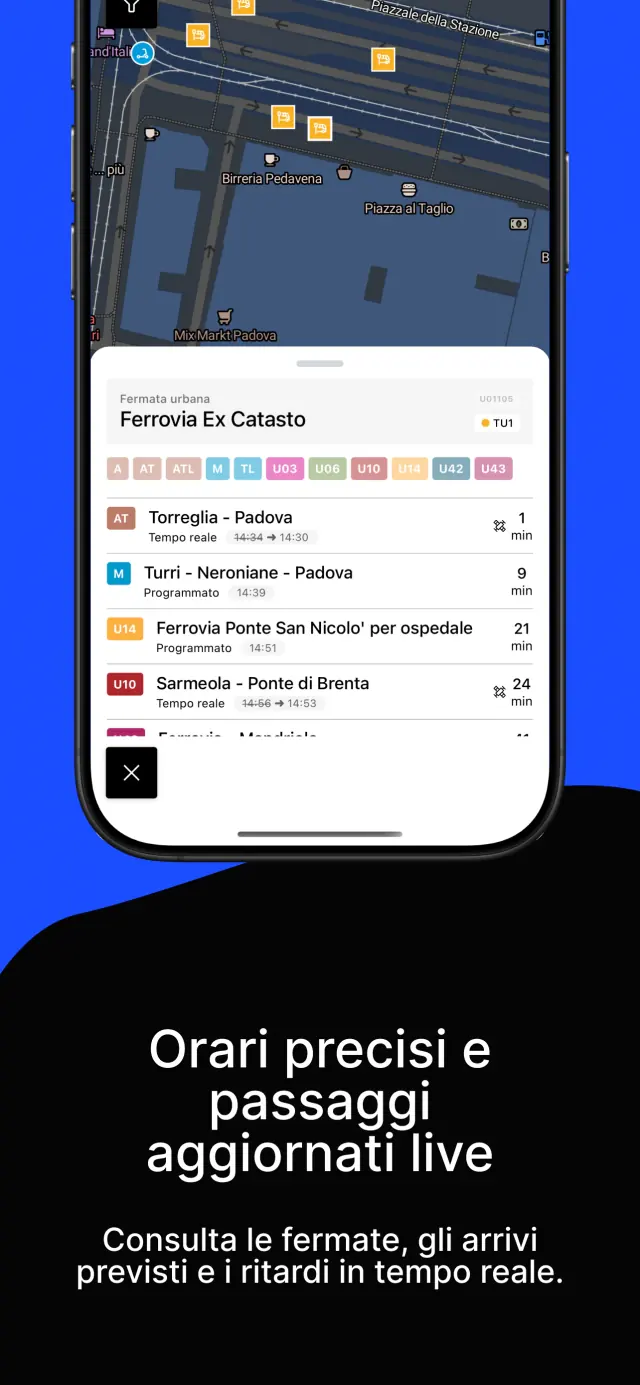
Find vehicles and stops on the map. Select the ones you need to check their details and available timetables.
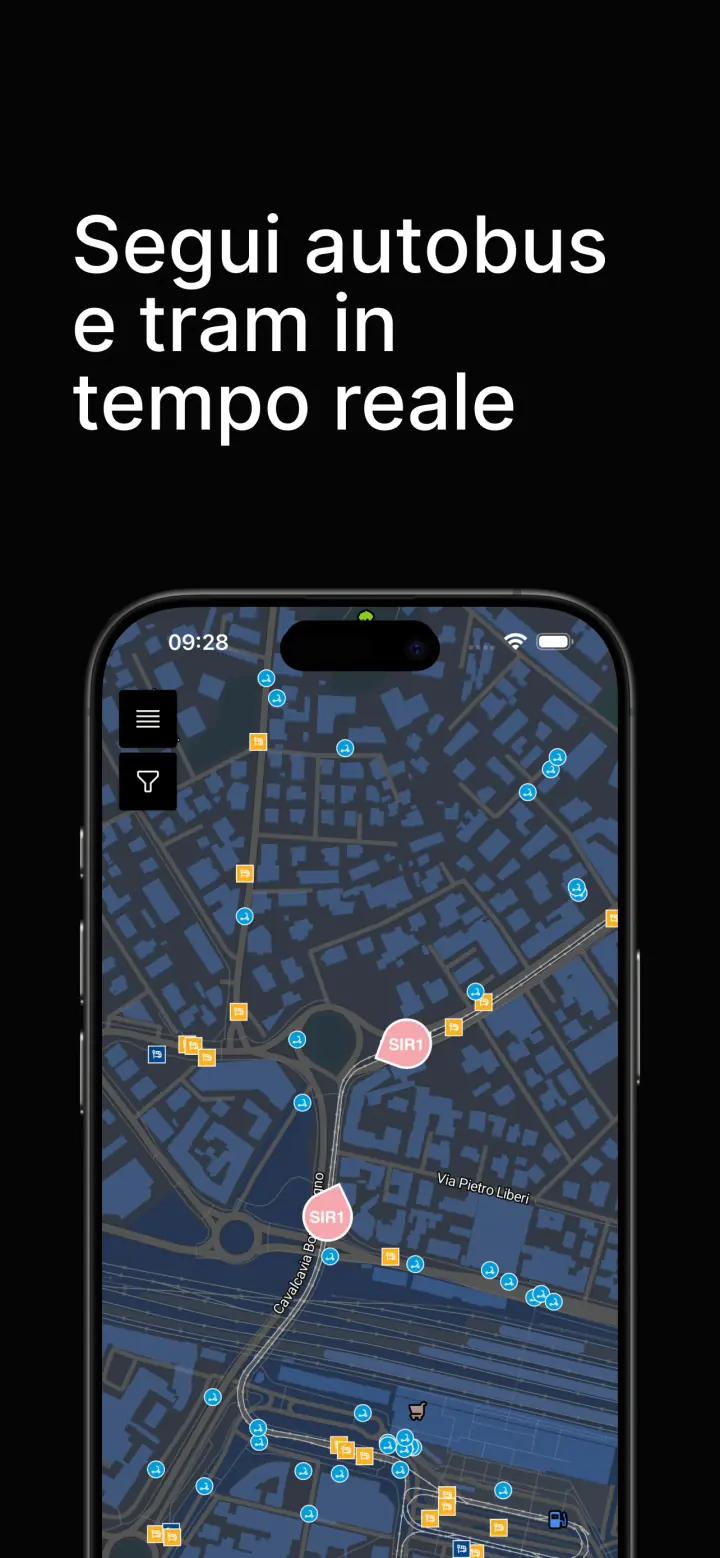
Select a vehicle on the map to open its details.
The details show the line, upcoming stops and direction of travel.
Compare upcoming arrivals before walking to the stop.
Open a vehicle to follow its route, or a stop to check the next arrivals. You can also find shared mobility on the map.
Check your route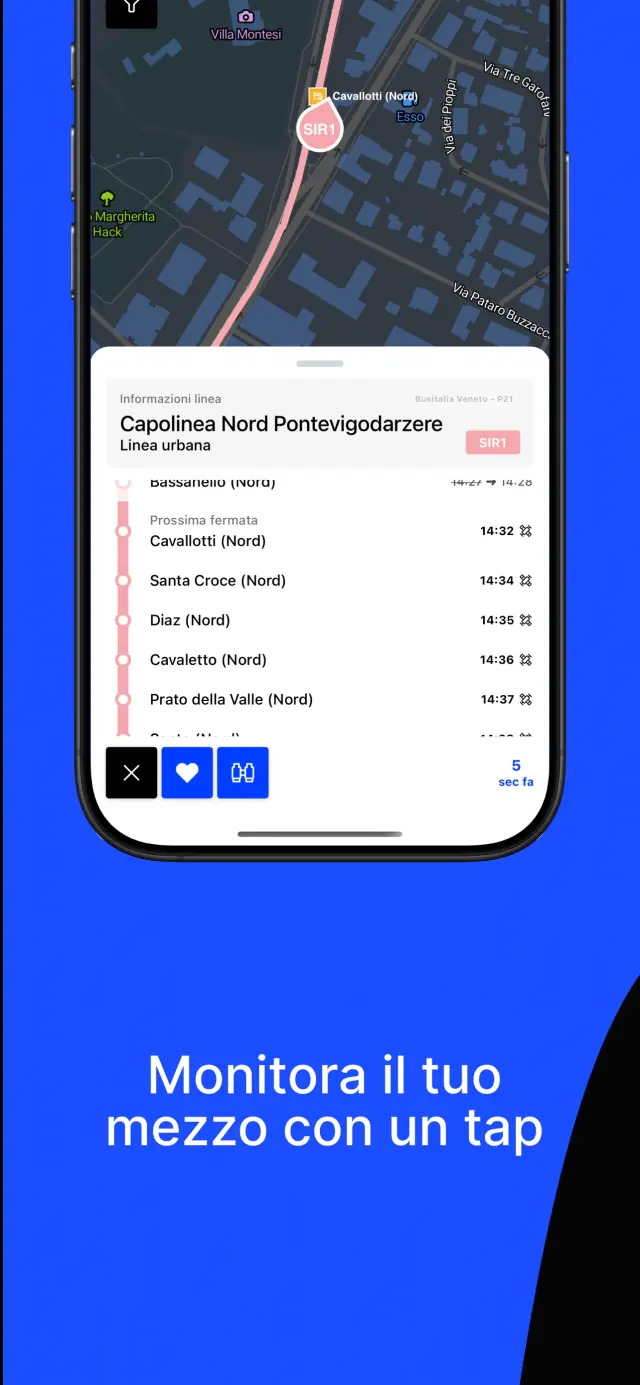
“A very useful app. Although there are occasional minor issues, the developers are very quick to respond and helpful.”
Eleonora · Google Play
“How did we manage before? Obviously better than the official apps—I recommend it to everyone and would never stop using it. It makes using public transport in Padua feel on par with Europe’s capital cities.”
E_lisabeth · App Store
“Mestre is covered without any problems. Great! The only thing I’d like is the option to save stops as favourites.”
Davide Rossi · Google Play
Place ads on the map and in the app. Choose a format and enter your business details on PadoVia Vetrina to get an automatic quote in seconds.
We also develop software for businesses through IntraVia.
We talk about how we use Open Data to design and build transport apps.
Open Data Hub Day 2026
We used PadoVia to discuss how UX and the available Open Data can make transport apps easier to use.
NOI Techpark Südtirol
Rome Future Week 2025
Using PadoVia as an example, we showed how young people can use Open Data for local projects without going through complex formal procedures.
Sapienza University, Rome
Linux Day Milano 2025
We discussed OpenStreetMap, OpenTripPlanner and UX when building mobility apps with Open Data.
Politecnico di Milano
PadoVia Garage collects photos of public transport vehicles shared by the community.